Feature deep dive

Tasks

Keep the work about the model next to the model, instead of in a tracker nobody links back.

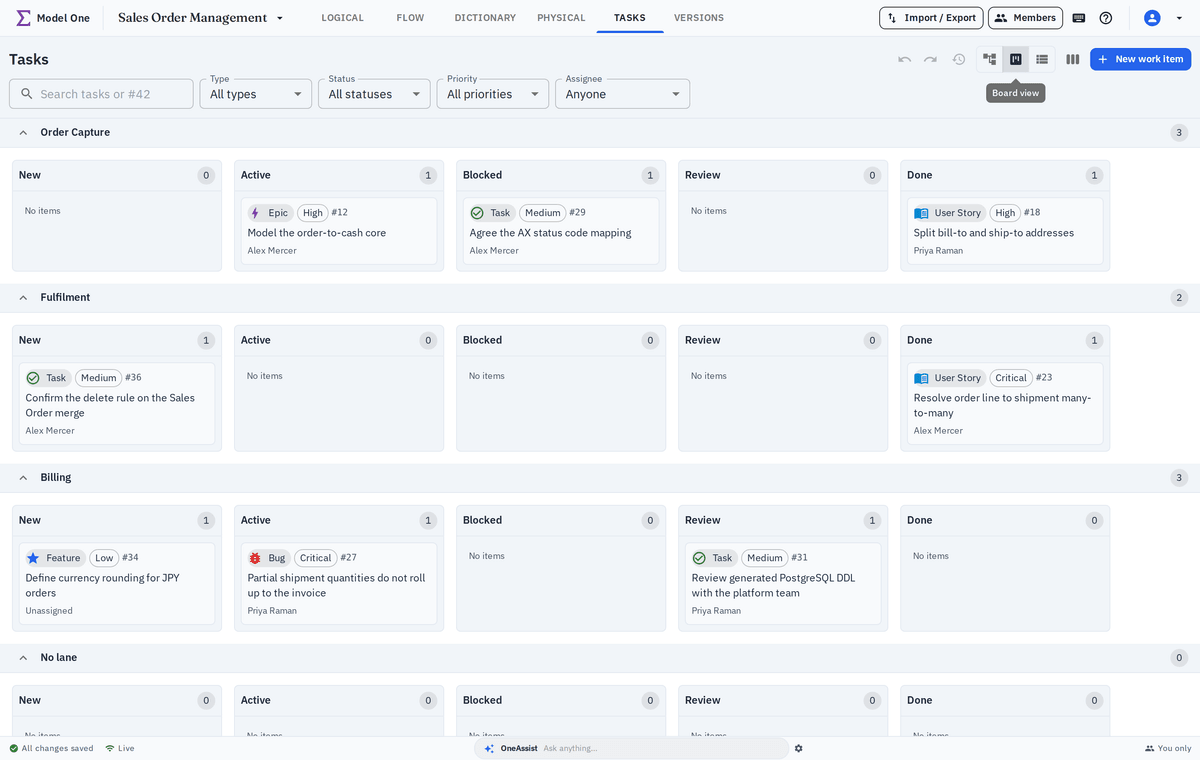
Task board with work items grouped by status
Overview

Open questions where the design lives

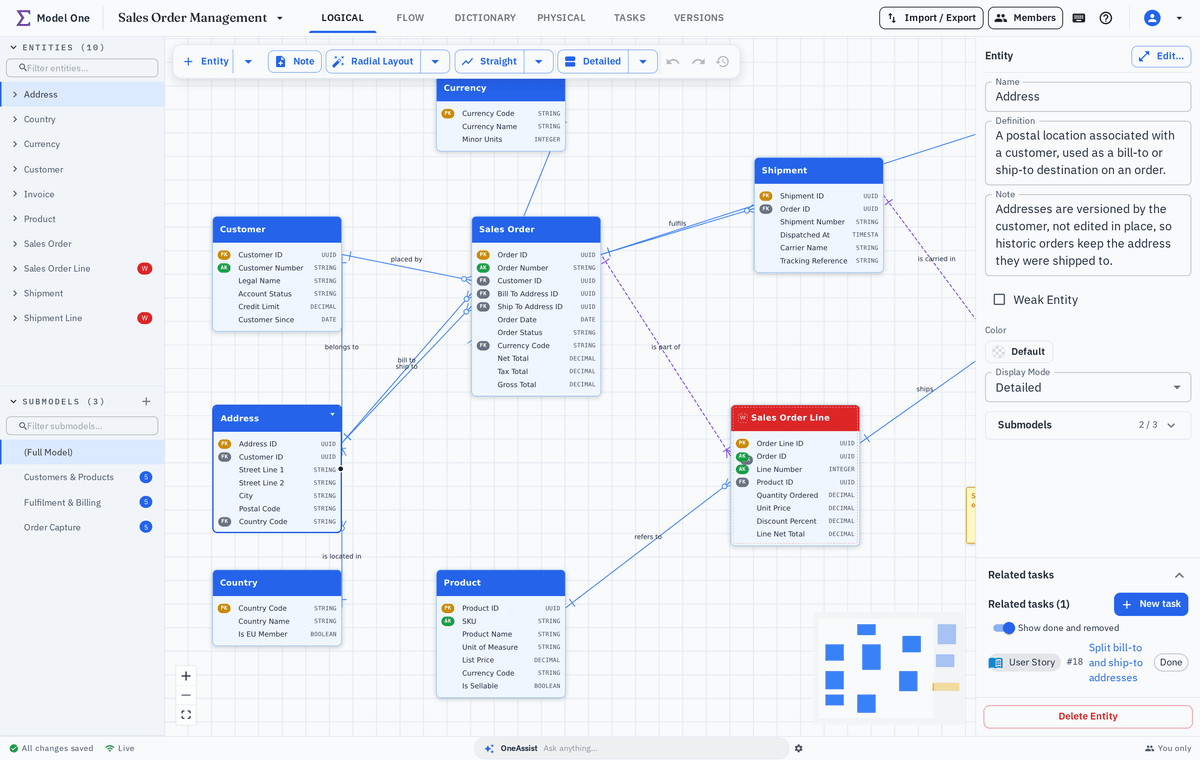
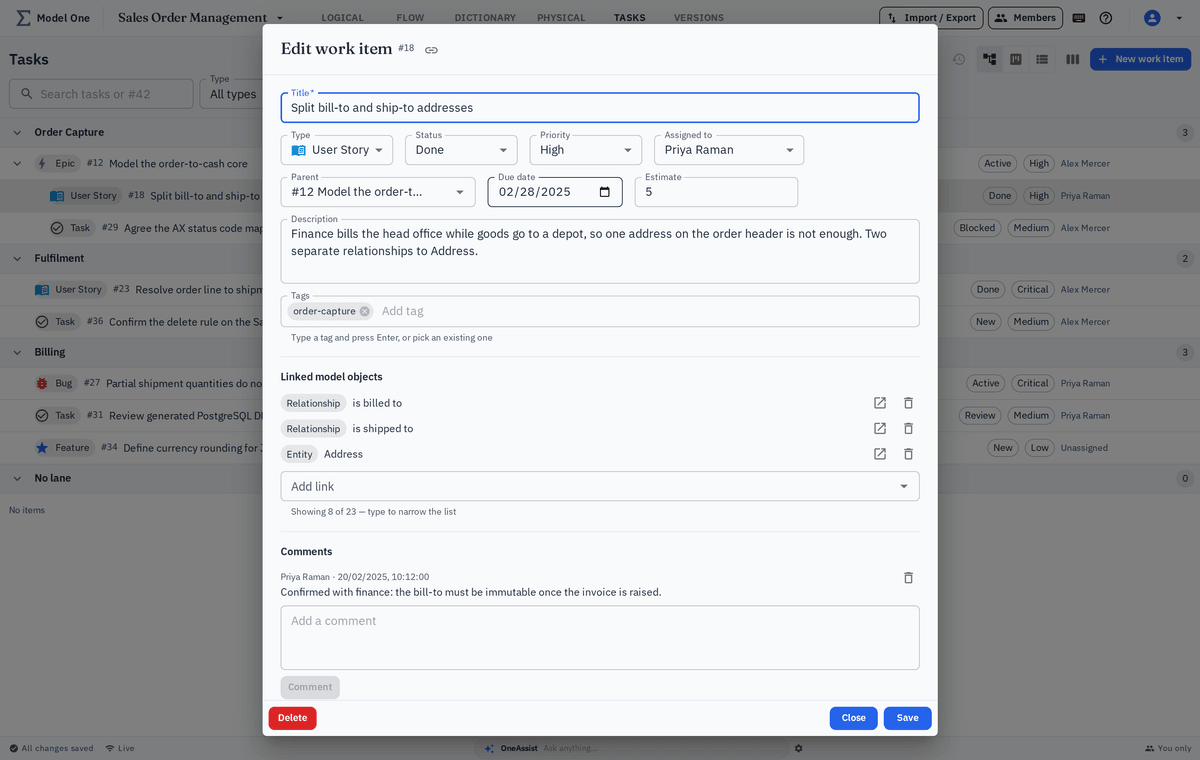
Every work item can point at the entities, Flows and terms it affects.

Modeling generates work: a definition to confirm, a relationship to validate, a term someone disagrees with. In most tools that work ends up in a separate tracker, disconnected from the design it concerns.

Model One keeps it attached. A task can link to the exact entity, Flow or dictionary term it is about, and that link is visible from both sides.

Board, tree and list views run over the same backlog, so a delivery lead and a modeler can each work the way they prefer.

Walkthrough

Running modeling work as work

Four steps from raising a question to closing it.

Step 1

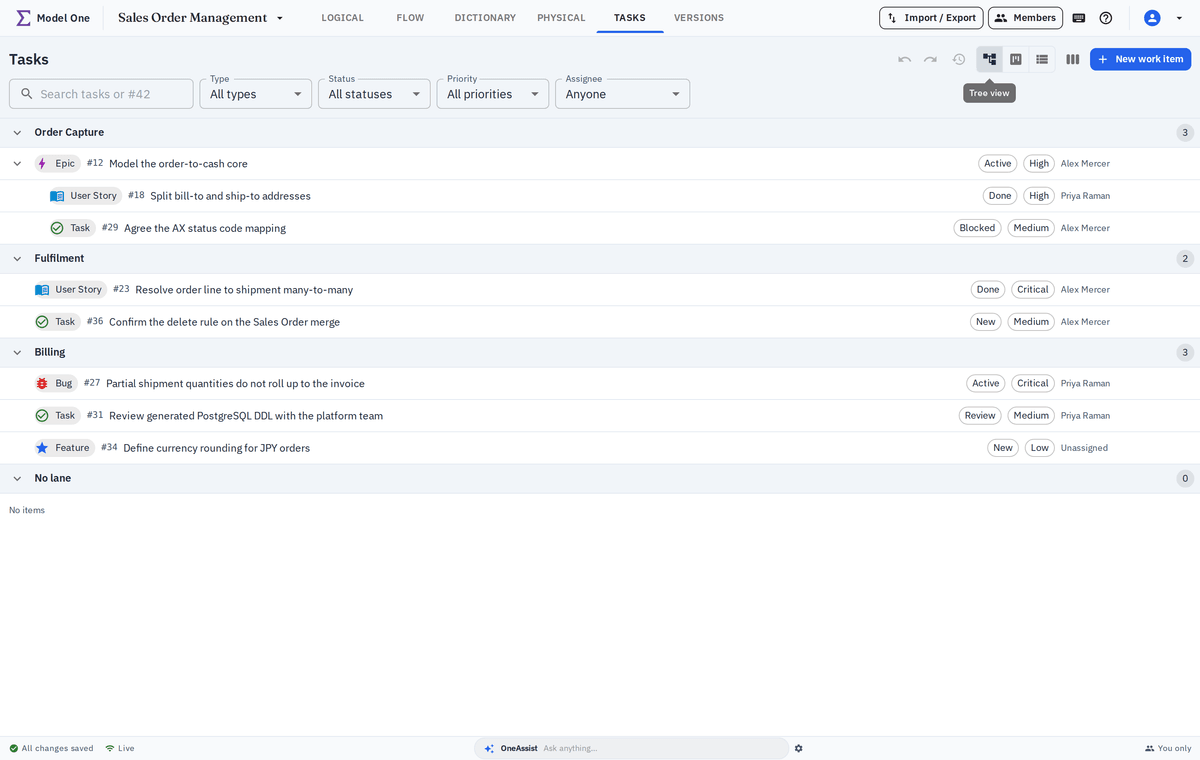
Build a backlog with real structure

Epics, features, user stories, tasks and bugs form a proper hierarchy, so a large modeling programme is as easy to plan as any other delivery.

  • Epic, feature, story, task and bug item types
  • Parent and child relationships in a tree view
  • Statuses, priorities, assignees and due dates
  • Tags for cutting across the hierarchy
Backlog tree with demo epics, features and tasks
Step 3

Work the board

Drag items across statuses, group into swimlanes and filter down to what one person or one domain needs to look at today.

  • Drag-and-drop across status columns
  • Swimlanes by assignee, priority or tag
  • Filters saved per view
  • Board, tree and list over the same backlog
Task board with demo items grouped into swimlanes
Step 4

Close the loop on the model

When a task is resolved the model object it changed carries the history, so the reasoning behind a design decision is still there months later.

  • Resolution history visible on the model object
  • Comments preserved with the decision
  • Version history shows what actually changed
  • Reporting across open work per module
Resolved task history shown on a demo entity
Highlights

Why teams keep tasks in the model

Context is the thing separate trackers throw away.

Two-way links

See related tasks on the entity, and the affected entity on the task.

One backlog, three views

Tree, board and list suit planners, delivery leads and modelers respectively.

Decisions that survive

The reasoning behind a change stays attached to the design it changed.

Keep exploring

What tasks connect to

Work items reach into every other module.

See tasks and models working together

We will show a real review round, from raised question to resolved design.